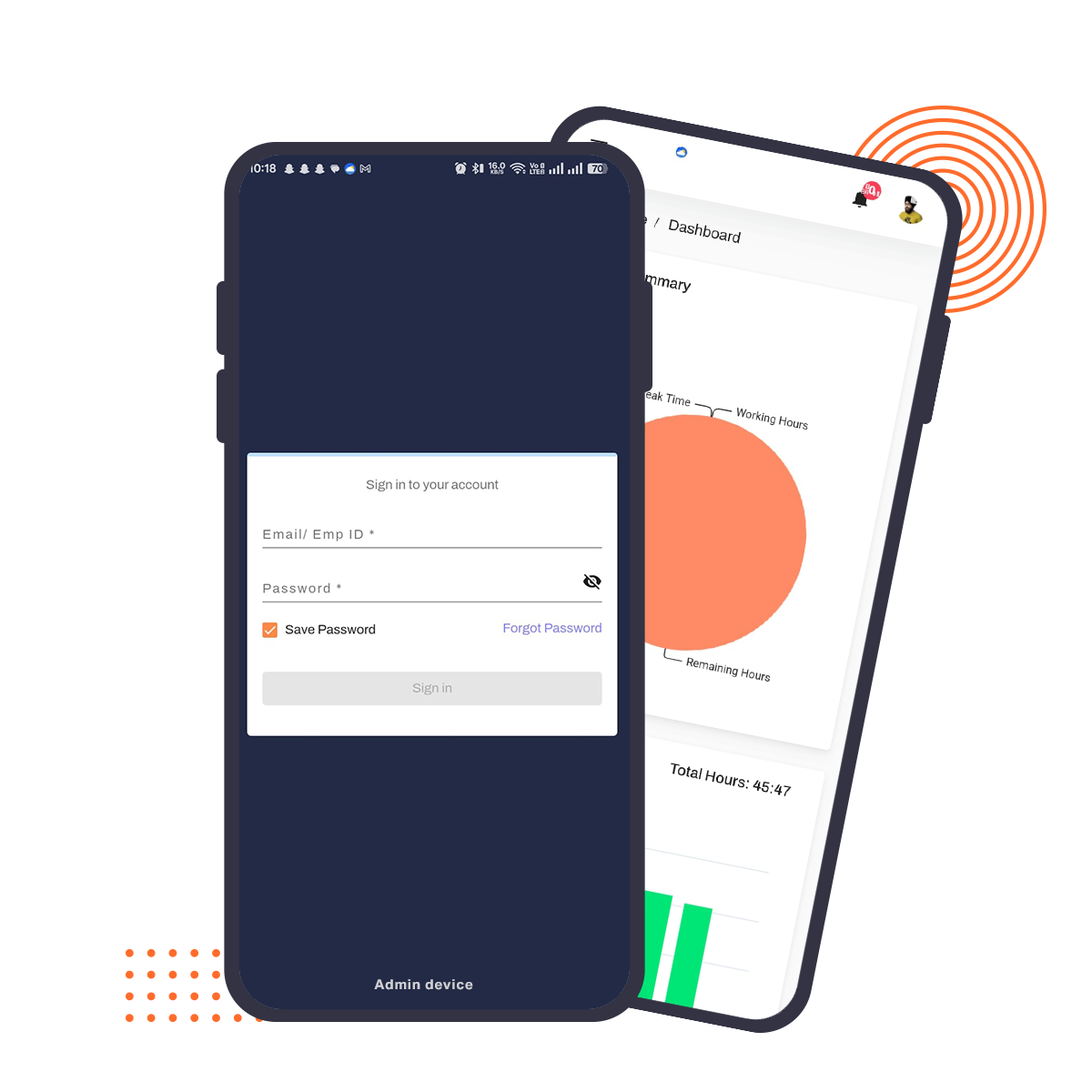
Project management software is a system that helps teams plan, assign, and track work through tasks, timelines, and collaboration tools. HelixtaHR's project management tools go a step further — they're built directly into your HRMS, so task assignments and workloads are always matched against real employee availability, attendance, and capacity data, not guesswork.
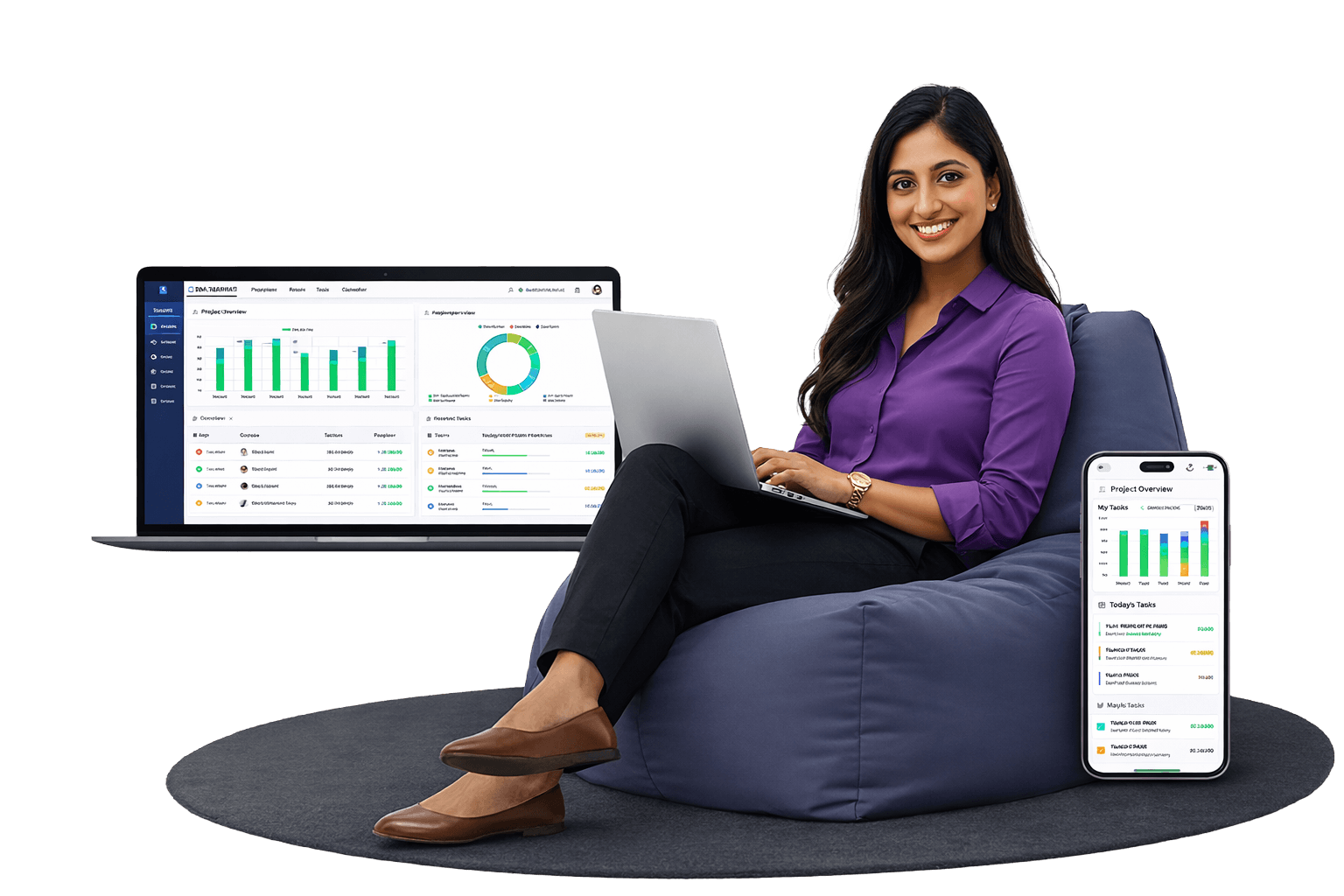









Project management software is a system that helps teams plan projects, break work into tasks, assign responsibility, and track progress toward deadlines. Instead of managing work across spreadsheets, email threads, and scattered chat messages, teams get one shared view of what's happening, who owns it, and what's at risk of slipping.
At a minimum, project management systems typically provide:
Most standalone project management tools stop there. HelixtaHR's project management software adds one more layer: because it's built inside an HRMS, task assignment decisions are backed by actual employee attendance and workload data — not a manager's best guess about who's free.
A complete solution to manage projects, teams, and timelines without chaos.
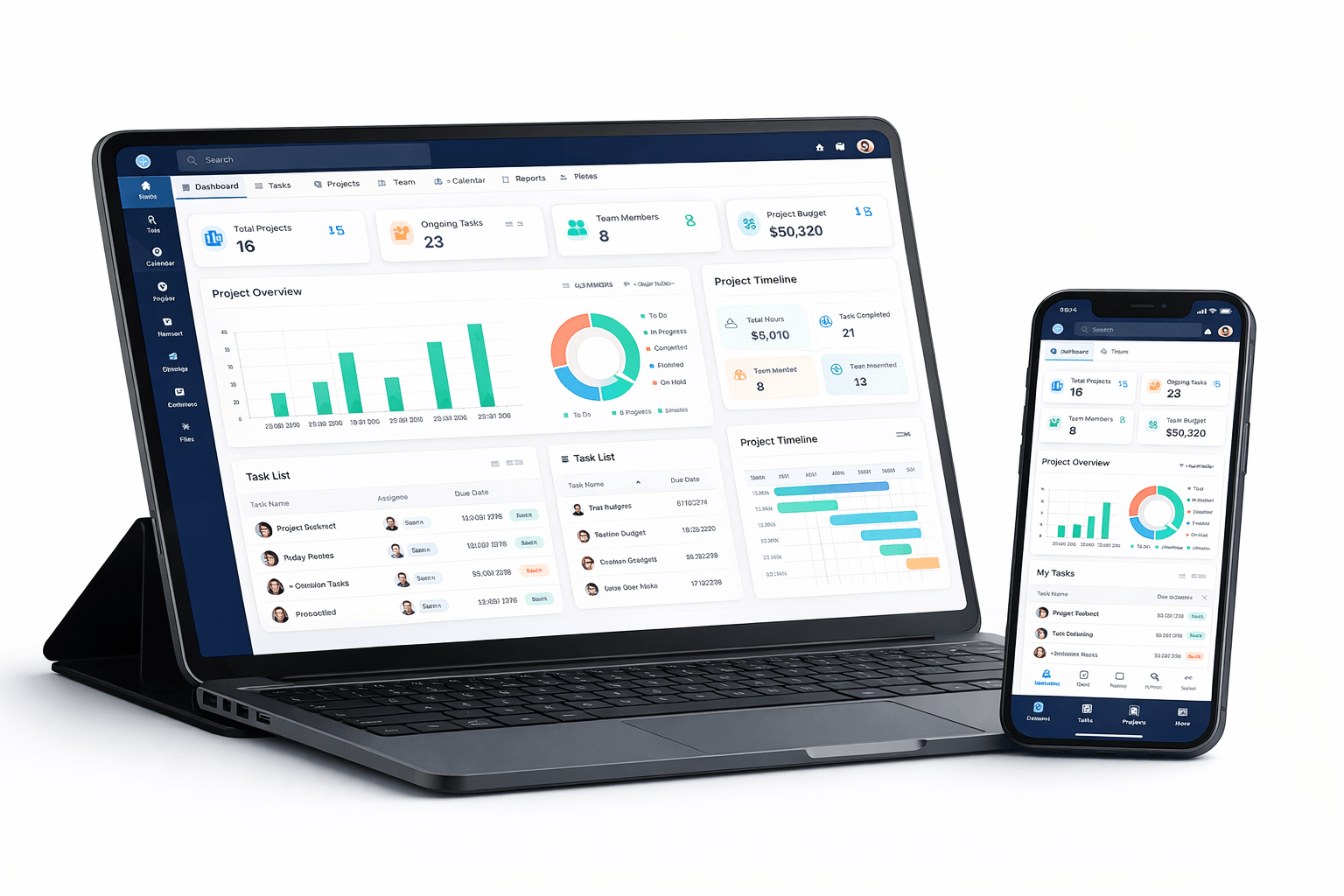
Most businesses reach a point where managing work across spreadsheets, email threads, and disconnected tools becomes unsustainable. Teams encounter problems because nobody's quite sure what's happening, and deadlines start slipping before anyone notices. This results in broken communication and lost project visibility.
HelixtaHR addresses this problem through its solution. Our project management software combines planning and task management with collaboration and progress tracking into one platform, which provides teams with essential structure and project visibility to complete their work on schedule.
HelixtaHR provides a solution which adapts to different team workflows while growing with your organisation from its initial startup phase to its enterprise stage, which requires multiple departmental operations.
Project management for HR software entails the coordination of HR tasks into a computerised application. It is easy to create, monitor, and collaborate on projects with the help of project management software. Goals will be achieved on time because project management software facilitates the assignment of work, monitoring, and communication. Project management software is meant to boost productivity by offering efficient business tools and workflows to all team sizes.
Conventional project tracking techniques frequently fail, resulting in inefficient processes and missed deadlines. Here are the major problems with traditional tracking:
Project management software enables teams to handle all project activities from the beginning stages until the complete project delivery. The software provides users with the ability to create organisational plans through resource distribution, task scheduling and deadline setting. The program enables teams to work together in real time while they track their progress during project execution.
HelixTahr provides teams with a simplified solution for their project planning, management and execution processes, along with various tools, including Payroll software and attendance. The system unifies all operational tasks which would normally require multiple tools into a single integrated platform. The platform creates better team collaboration through its ability to enhance both visibility and responsibility throughout all team activities. The core modules of the system work together to enhance project execution by providing organisations with better operational efficiency and controlled project management systems.
The task creation module of HelixTahr enables teams to create and distribute tasks which they can manage throughout established work processes. The task requirements include specific information which shows the work schedule, priority level and responsible person which eliminates any chance of work duties becoming ambiguous. The system enables users to transform extensive projects into smaller work units, which they can implement through structured project management methods.
The Gantt Timeline module provides a clear visual representation of project schedules which helps teams understand project schedules and important milestones and project dependencies through a single interface. The software shows the link between tasks which leads to better planning results. The drag-and-drop feature enables teams to change project timelines while maintaining project progress according to new requirements.
The project itself uses the Collaboration Panel as its main platform to handle all communication activities. The team members can post progress reports and make comments about tasks, share documents and hold discussions about their work without needing to use separate platforms or having their conversations spread across various locations. The system improves visibility while decreasing communication errors which enables all team members to maintain project alignment from the start to the finish of their work.
HelixtaHR simplifies project execution into a structured 5-step workflow:
Once you are logged in, initiate the process of creating a project in HelixtaHR. The project will help you define its overall aims, objectives, and scope. It helps create a basis on which all further processes will be dependent.
Tasks are created as part of the project creation process. Tasks act as individual parts to help achieve the overall objective of the project. You can assign deadlines, descriptions, priorities, etc., to projects and tasks.
You will allocate tasks to the right team members once their roles have been defined. This stage makes sure that everyone is aware of their roles in charge for finishing particular tasks within the project's deadline.
Tracking means keeping an eye on tasks' advancement in real time. HelixTahr offers features to monitor the status of activities, identify team members who are on time, and identify potential delays or problems that require attention. Better decision-making and necessary course correction are made possible by this.
In the end, the generation and analysis of reports, which is called reporting, is an attempt to measure the success of a particular project. Important information, such as task completion rates, time taken to accomplish each task, as well as project success, is highlighted through reporting.
This streamlined five-step procedure helps guarantee that tasks are managed successfully and efficiently from beginning to end.
Choosing the right project management software is important for long-term efficiency and growth. With the help of the right tool, your business can improve productivity and overall project control. Here’s how you can choose the best Project Management software.
Adoption is everything. A tool that confuses people gets abandoned, no matter how powerful it is under the hood. Look for something your team can start using without a week of onboarding.
Along with task management, you can get project tracking, collaboration, and reporting. Everything else is a bonus. Don't get distracted by features you'll never use.
Your project management tool will need to sit alongside other systems, HR software, CRMs, and communication platforms. If the integrations are clunky or nonexistent, you'll end up doing a lot of manual data transfer.
The advertised price rarely tells the whole story. Dig into per-user costs, what's included at each tier, and what happens to your bill as you scale. Surprises here are common.
The tool should handle your team as it grows — more users, more projects, more data — without becoming slow or requiring you to switch platforms all over again.
Things go wrong. When they do, responsive support matters more than most people realise until they actually need it.
Sensitive business information lives inside project management tools. Encryption, proper access controls, and secure data storage aren't optional features — they're baseline requirements.
Gain complete control over your projects with tools designed for planning, execution, and tracking.
as per your needs, without any risk
Starting from
Standalone project management tools are excellent at tracking tasks — but they have no idea who's actually available. A manager can assign a task to someone who's on approved leave, already overloaded on three other projects, or out on sick leave that day, because the PM tool and the HR system have never talked to each other.
Task assignment reflects actual attendance and leave status, not assumptions — reducing the common problem of overloading employees who look "available" on a task board but aren't.
Teams stop maintaining a separate PM tool alongside their HR system, cutting the double data-entry and sync issues that come with running Asana or Trello next to a completely separate HRMS.
For agencies, consulting firms, and service businesses where billable hours and staffing decisions are tightly linked to HR data, having both in one platform removes a genuine operational gap.
One login, one admin panel, one billing relationship — instead of managing separate subscriptions and separate teams of "who has access to what."
Plan, execute, and monitor projects efficiently while keeping teams aligned.
Create projects, allocate resources, and define milestones.
Ensure all project tasks comply with guidelines and deadlines.
Track milestones, budgets, and project performance in real-time.
Break projects into tasks with owners, priorities, and deadlines
Customize project stages, notifications, and task dependencies.
Analyze project health, timelines, and resource utilization through dashboards.
Join 500+ brands using HelixtaHR to simplify payroll, attendance, compliance, and employee management in one smart platform.
Get Your Free DemoBreak projects into clear, ownable units of work — each with a defined schedule, priority level, and responsible person, so nothing sits in ambiguous territory.
A visual view of schedules, milestones, and task dependencies. Drag-and-drop rescheduling means timelines can shift without losing the overall picture of project progress.
Progress updates, comments, and shared documents live in one place — no more searching across email threads and chat apps to find the latest version of a decision.
| Process | Result |
|---|---|
| Set Up a Project | Define the project's goals, scope, and objectives as the foundation for everything that follows. |
| Identify Tasks | Break the project into individual tasks with deadlines, descriptions, and priorities. |
| Assign | Allocate tasks to team members based on defined roles — and real availability data, not guesswork. |
| Track Progress | Monitor task status in real time, catching delays before they become deadline problems. |
| Report | Review completion rates, time-to-complete, and overall project outcomes to inform the next cycle. |
Supports teams across industries and project types.
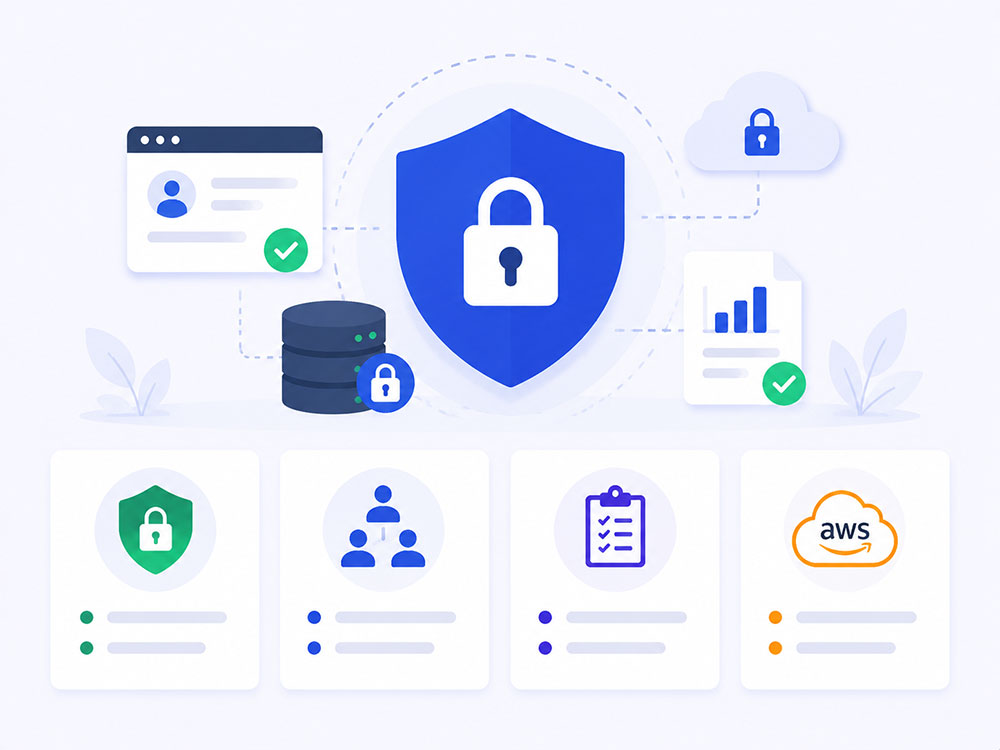
Project data often includes client information, budgets, and internal timelines — alongside the HR data it's connected to.
Data encrypted in transit and at rest.
Employees and managers see only what's relevant to their role and projects.
Every action logged and traceable for accountability.
Hosted on AWS with 99.9% uptime SLA and automated backups.
| Factor | Standalone Tools (Asana, Trello, etc.) | HelixtaHR (HR-Integrated) |
|---|---|---|
| Task tracking & Gantt views | Yes | Yes |
| Knows who's on leave before assigning tasks | No — separate system | Yes — synced with attendance data |
| Payroll/time-cost tracking | Requires integration or manual entry | Built in |
| Number of tools/logins needed | PM tool + separate HRMS | One platform |
| Best suited for | Teams that only need task tracking | HR-heavy teams — agencies, consulting, service businesses |
Employee Self-Service: View payslips, request leave, update personal details, and track attendance in one place.
Time Clock: Clock in and out securely with real-time sync for accurate attendance records.
Approvals on the Go: Review and approve leave requests, attendance updates, and tasks instantly.
Stay Connected: Receive important notifications, policy updates, and announcements directly on your phone.

Don’t delay anymore, book a free demo today and see how HelixtaHR can revolutionize your HR process!